
What if the dream of publishing your child’s story is halted not by a lack of imagination—but by a $25,000 price tag?
That is the stark reality of traditional picture book illustration. Industry pricing sets the cost between twenty and twenty-five thousand dollars. For many aspiring authors and parents, that figure is a closed door.
But a new chapter is being written. Titles like “Princess Penelope” and “The Adventures of Princess Panda” now sit on the Apple Book Store. Their pages are filled with AI-generated art.
This shift is profound. It hands the creative tools directly to you. Platforms like Leonardo AI and Adobe Firefly are your new brushes. They turn written words into vibrant scenes and characters.
This guide is your roadmap. It is for the parent who is an author at heart. It is for the storyteller ready to build a future-ready legacy for their child.
We will navigate the legal use of this technology in your creative work. You will learn how to craft consistent characters across every page. We will explore the vital difference between general tools and platforms built for storytelling consistency.
The goal is not just to make a book. It is to prepare your child’s mind for a world shaped by AI. It is to transform your inspiration into their preparation.
Key Takeaways
- Traditional illustration for a picture book is a major financial barrier, often costing $20,000 to $25,000.
- AI image generators provide a powerful, accessible alternative for creating professional artwork.
- Successfully published titles, like those on Apple Book Store, prove the viability of AI-generated illustrations.
- Understanding the legal landscape is crucial for authors who want to use AI art in publishing.
- Maintaining visual consistency for characters and scenes across a book is a key technical challenge.
- Free communities and specific platforms offer essential support and features for book projects.
- This process empowers you to control the creative vision and timeline of your children’s book.
Introduction: Embracing AI in Children’s Book Illustration
Imagine holding your child’s completed story in your hands within days, not years. That is the new reality. Traditional publishing required a long wait—often three to six months for illustrations alone.
Now, you become the author and the visual creator. Platforms like Neolemon have empowered over 20,000 storytellers. They prove you do not need to be a professional artist.
Consider Zimbabwean author Naomi Goredema. She illustrated twenty children books in just four months. Her workflow shifted to AI-driven character tools.
This guide shows you the fundamental difference. The old process was slow and expensive. The new method is rapid and iterative.
You will discover how to use art and image generators. The goal is to create consistent characters that young readers love. Your story remains engaging on every page.
We address the legal use of this technology in publishing. You maintain high-quality content while saving time. The tools handle the heavy lifting.
By following these steps, you can join free platforms. Start your own creative work today. Transform your ideas into professional-grade picture books for your child.
The Evolution of AI in Children’s Book Publishing
A quiet revolution in publishing began not in a boardroom, but in classrooms and homes. On October 30, 2023, the Apple Education Community showcased a pivotal shift. Educators demonstrated how students could craft their own digital books.
The technology evolved rapidly. Early systems generated simple text. Modern image generators now understand specific character traits and emotional tones.
First attempts faced sharp criticism. Characters changed appearance from page to page. That inconsistency broke the magic for young readers.
New tools solved this core problem. They allow authors to lock a character’s design—a specific hairstyle, a favorite outfit. Once saved, that illustration appears perfectly consistent across every scene.
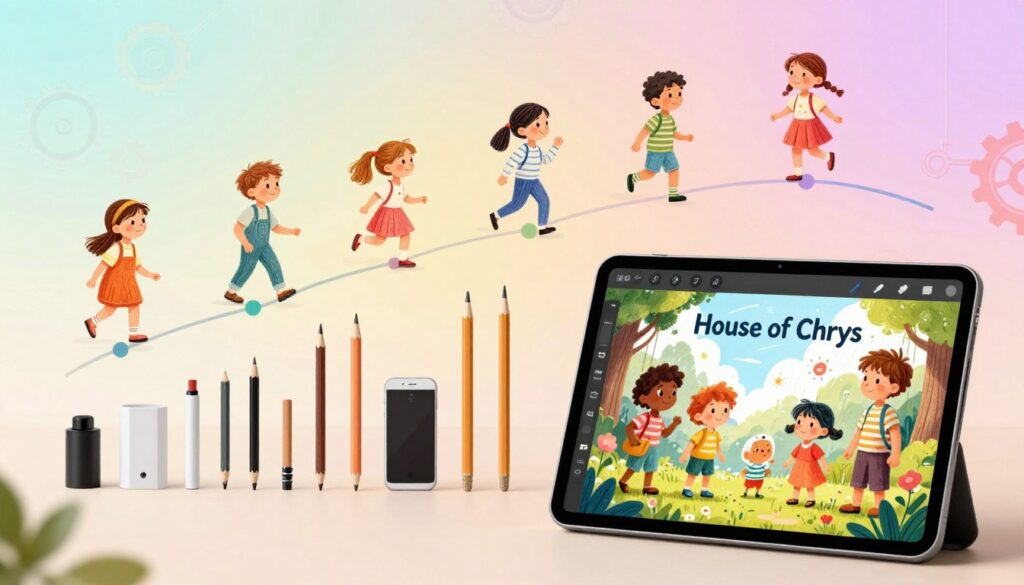
This is the fundamental difference. The old process demanded months of time and a professional illustrator. Now, any member of the public can produce high-quality art.
You guide the work. You write the prompts that build scenes matching your story’s heart. The tool handles the heavy lifting.
Understanding these features lets you avoid early pitfalls. Your characters will feel like old friends to your child. Every picture will support your narrative.
The industry shift is complete. It empowers you to start your own projects. Use these generators to enhance your vision, not replace it. Create a book that is uniquely yours.
Understanding the Legal and Creative Implications
Your story’s journey from mind to page must navigate two critical paths: creative vision and legal clarity.
Professional illustrators command fees of $20,000 to $25,000. That financial wall pushes many toward new tools.
You remain the sovereign author. Your creative work must respect copyright standards. The goal is to generate unique illustrations that belong solely to your narrative.
Generic outputs lack soul. Consistency-focused platforms make the vital difference. They help you build characters that are distinctly yours—not stock images from a public pool.
- Document your prompt process. This log proves the originality of your content.
- Select tools designed for narrative work. They lock visual details across every scene.
- Let your child’s story guide every creative choice. The illustrations serve the reader.
This guide secures your work. It prepares you to protect the book you build for your children. Move forward with confidence and care.
How to Plan Your Children’s Book Visuals
Before a single image is generated, map your story’s visual journey with precision. This foundational work separates a memorable book from a forgettable one. It prepares your child’s mind for the world you are building.
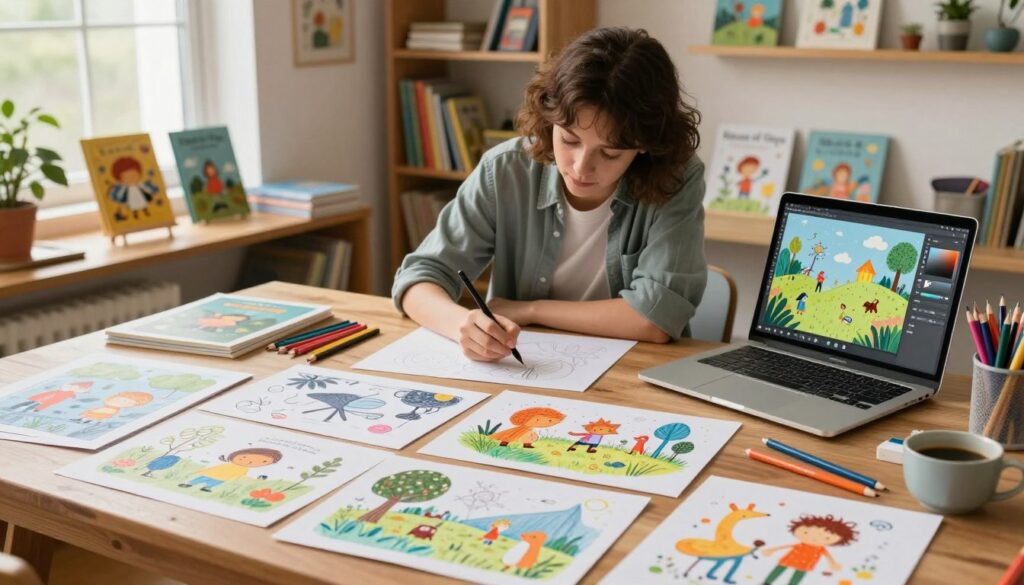
List every key moment in your narrative. Identify scenes where your hero discovers a secret door or meets a talking fox. These pivotal points demand strong illustrations.
Developing a Story Outline and Mood Board
Your outline is your blueprint. It ensures no important action is skipped from the first page to the last. Next, build a mood board with ten to twenty reference images.
This collection defines your art style. It creates a consistent look across all pages. Your children will recognize the visual world instantly.
Defining Your Story’s Tone and Key Scenes
Describe your story’s feel with clear keywords. Is it “mysterious and magical” or “warm and playful”? These prompts guide your image generators effectively.
This planning process saves you significant time. You will not guess what each scene should look like. Every illustration will serve the narrative perfectly.
Create a character bible. This document locks in design details for your heroes. It is your essential guide for maintaining consistency throughout the entire project.
By organizing your work this way, you build a visual language that resonates. Your final book will stand out in a crowded market.
Creating and Defining Characters Using AI Tools
Naomi Goredema’s workflow transformed from a three-day grind to a thirty-second command—this is the power of defining characters for AI.
Your hero is not a single drawing. They are a visual formula you replicate across every scene. This upfront work is your foundation.
Writing Detailed Character Profiles
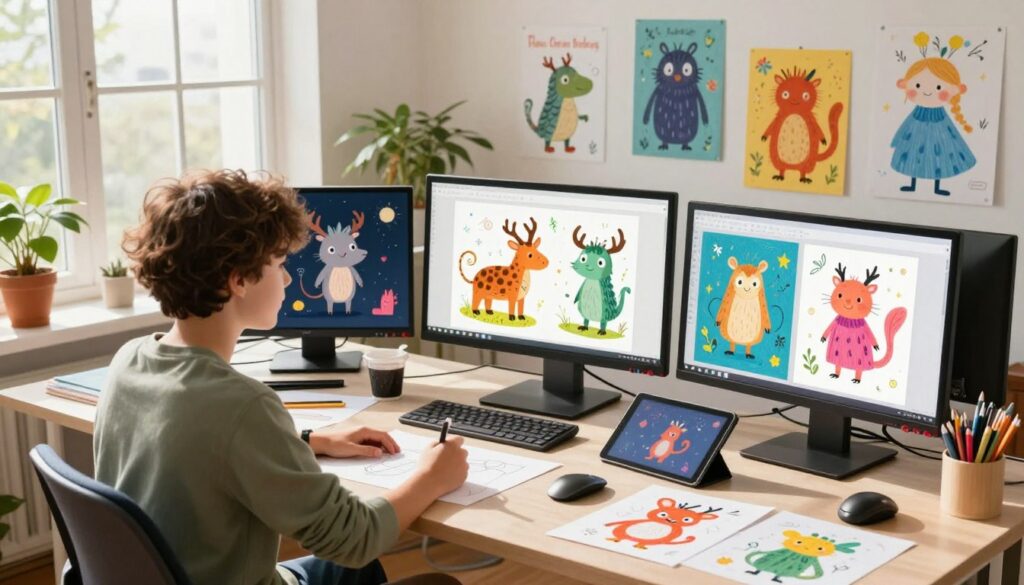
Think of a profile as a blueprint for the AI. You must be specific. List hair color, skin tone, and a favorite outfit.
This detailed guide locks the design. It generates a perfect base character image. That single reference file anchors all future illustrations.
Your child will connect to a face that does not change from page to page. Consistency builds trust in the story.
Selecting the Right Art Style for Your Audience
The art style is a language your young reader understands instantly. Your choice depends on their age.
Pixar-style 3D animation often works best for children aged five to eight. It feels dynamic and immersive.
For toddlers, choose simple 2D shapes with bright, clear colors. This approach supports early visual recognition.
The style must always serve the narrative. It is not just decoration—it is part of the storytelling work.
This disciplined process is the difference. It separates a professional-looking book from a disjointed collection of images. You build a legacy, one consistent character at a time.
can i use ai to illustrate a child’s book
Look at the Apple Book Store. Titles like “The Adventures of Princess Panda” stand as living proof.
The author of that story used Adobe Firefly to build every image. This is not a theory—it is a published reality.
This technology is a powerful tool for any storyteller. It does not replace the human heart behind a narrative. It amplifies your creative vision.
The biggest challenge in picture book publishing is visual consistency. Your young reader needs to recognize the hero on every page.
General image generators often fail here. Specialized platforms make the vital difference. They lock character designs so your scenes flow seamlessly.
By following this guide, you will see the process is now accessible. Anyone with a story can produce a high-quality book.
You save thousands of dollars in fees. The time required shrinks from months to weeks. This lets you publish more stories for your children.
Your work becomes a cohesive piece of art. You learn to craft prompts that generate illustrations matching your text perfectly.
Every member of our community can start their projects today. This is your moment to build a future-ready legacy.
Overview of Top AI Illustration Tools and Their Features
The market offers two distinct paths: general-purpose art generators and specialized narrative engines. Your choice here defines your entire creative journey. It determines if your work flows smoothly or becomes a frustrating puzzle.
General tools like Adobe Firefly excel at creating stunning single images. They are powerful for one-off art. Yet they often struggle to keep the same hero looking identical from page to page.
General AI Generators vs. Consistency-Focused Tools
This is the fundamental difference. Consistency-focused platforms like Neolemon solve the core problem. You generate a character once. Then you create unlimited poses without ever re-describing them.
This process saves immense time. You avoid hours of complex prompt engineering for every new scene. Your characters stay perfectly on-model throughout the entire story.
| Feature | General AI Generators | Consistency-Focused Tools |
|---|---|---|
| Best For | Single, standalone illustrations | Multi-page narrative projects |
| Character Consistency | Low; varies per image | High; locked design |
| Time Efficiency | Slower for full books | Faster; reuse base characters |
| Advanced Editing | Basic variations | Control expressions, outfits |
| Ideal Project | Cover art, concept images | Complete children’s picture books |
Every author should test their chosen tool before a full project. Generate one illustration. Then try to place that hero in a different action. The right platform makes this seamless.
This guide helps you choose wisely. It prepares your child’s mind for a story that feels whole. Your book will stand as a professional, cohesive piece of work.
Step-by-Step Guide to Generating AI-Driven Story Scenes
Your story’s visual engine starts with a single, perfect base image—this is your anchor. Generate your hero in a neutral pose against a plain background. This file becomes the master reference for every scene in your book.
Using Base Character Images and Structured Prompts
Structured prompts are your blueprint. Platforms like Neolemon break descriptions into distinct fields: character, action, background, style.
This separation is crucial. You lock permanent traits—like hair color and outfit—in the character field. Then you describe the scene-specific action separately.
This method ensures your hero looks identical from page to page. Your child recognizes their friend instantly.
Follow this step-by-step process:
- Start with your base character image. Upload it as a reference in your chosen tool.
- For each new scene, use a structured prompt. Describe only the new action or setting.
- The tool generates the illustration while preserving the locked design.
- For multiple characters, generate each one individually. Then combine them into a single scene using advanced features.
This workflow is incredibly fast. You can create fifteen to twenty illustrations in one afternoon. Traditional methods cannot match this speed.
Keep a log of every prompt you use. This record maintains a consistent style throughout your entire project.
You focus on the narrative—the tool handles the technical work. You become the architect of a cohesive visual world for your children.
Ensuring Character Consistency Across Your Book
Your child’s hero must be a familiar friend on every page—not a stranger who changes with each scene. This visual reliability is the silent contract of a professional book. Young readers connect deeply when a character’s face never wavers.
Inconsistent illustrations break the magic. Your work feels disjointed. A systematic process solves this.
Locking in Your Character Design
Start by creating a model sheet. This is your single base image—the master reference for every future generation. Save this file with your character’s exact details locked.
Your guide is simple. Generate your hero in a neutral pose against a plain background. Use this file for all subsequent scenes. The tool will reference it, ensuring the same hairstyle, outfit, and smile.
This step is non-negotiable. It is the difference between a cohesive story and a confusing collection of images.
Strategies for Handling Multiple Characters
Complex scenes with many characters require a focused approach. Generate each hero separately using their own model sheet. Do not attempt to create them all at once.
Then, use your platform’s composite features. Place your individually crafted characters into the final picture. This method avoids visual chaos.
Perform a quality review for every page. Check for missing accessories or slight color shifts. Minor edits with built-in tools fix these inconsistencies quickly.
This disciplined process makes your entire project manageable. Your children receive a book where every illustration supports the narrative perfectly.
Optimizing Your AI-Generated Artwork for Print and Digital Media
Your final page must feel as crisp in hand as it does on screen—this is the non-negotiable standard. Print-ready images demand at least 300 DPI. For an 8″ x 10″ page, that is approximately 2400 by 3000 pixels.
Many AI generators create lower-resolution art. You will need to upscale. Free online tools can boost your picture quality with a single click.
Resolution, Formatting, and Upscaling Techniques
Format your files correctly for platforms like Amazon KDP. Include necessary bleed and gutter margins. This technical process ensures your book meets all printer specifications.
Understand the difference between digital and physical books. Digital files are forgiving. Print reveals every flaw in color and sharpness.
Every author must order a proof copy. Hold your work before releasing it to the public. Check the illustrations under real light.
This guide prepares your projects for professional scrutiny. Your children deserve content that looks flawless. Optimizing artwork is the final, crucial step in your publishing journey.
Integrating Text and Visuals for Cohesive Storytelling
A professional layout is not about decoration. It is about guiding your child’s eye. Your words and your art must speak with one voice—this is the final creative frontier.
Your young reader should flow from page to page without stumbling. The images support the narrative. The text is clear and inviting.
Layout Options and Typography Considerations
Choose your design tools with intention. Canva offers friendly templates for quick work. Adobe InDesign provides precise control for complex projects.
Google Slides is a simple, accessible option. Each tool helps you arrange your illustrations and text boxes.
| Tool | Best For | Key Feature | Learning Curve |
|---|---|---|---|
| Canva | Beginners & fast layouts | Drag-and-drop simplicity | Low |
| Adobe InDesign | Professional print-ready books | Advanced typography controls | High |
| Google Slides | Collaborative storyboarding | Real-time sharing & editing | Very Low |
Select a readable, friendly sans-serif font. Place your text against a contrasting area of the illustration. This ensures legibility for young children.
Leave ample margin space for the gutter. Physical books need this room for binding. Use a storyboard view to check the flow of your entire book.
Your guide is simple. Let the typography match the story’s mood. A playful tale deserves playful fonts.
This disciplined process is the key difference. It transforms a hobby project into a professional author‘s work. Combine your final content into a single PDF. Your book is now ready for any major platform.
Troubleshooting and Fine-Tuning Your AI Illustrations
Your illustrations are almost perfect—but a single flaw can break the magic for your young reader. This final polish separates amateur work from professional content. Every author must be ready to iterate.
Minor inconsistencies are common. Do not let them undermine your entire project. A systematic process fixes them quickly.
Identifying Common Issues and Inconsistencies
Strange proportions or weird background elements often appear. These are not failures—they are opportunities. Your guide is simple: tweak your prompts first.
Review each image on its page. Check if your characters look identical in every scene. Inconsistency distracts children from the story.
Using Editing Tools for Minor Fixes
Modern tools offer targeted adjustments. Change an outfit or adjust an expression without regenerating the whole scene. This saves precious time.
Expression editors capture emotional beats. Modify a smile to show joy or a frown for concern. Your illustrations will mirror the narrative’s heart.
Master these features. Gain control over your creative vision. Your final book will be polished and ready for any reader.
Conclusion
You stand at the threshold of a new era in storytelling. Your knowledge transforms barriers into bridges.
This guide equipped you. You now plan compelling visuals and lock consistent characters across every page. Your work is optimized for print.
These tools empower your creative voice. You become the author and illustrator. Expensive help is no longer required.
Every community member holds this power. Your projects will inspire young readers. Start your first book today.
See your unique stories come to life rapidly. Build a future-ready legacy for your children.