
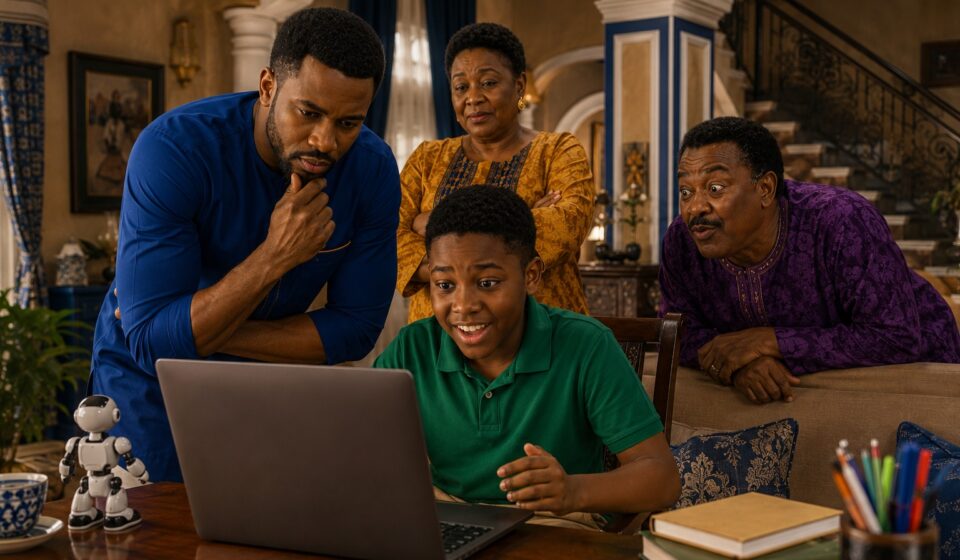

Hector had watched the robot dance three times.
On the fourth replay, Chrys finally reached for the laptop.
“Enough.”
Hector pulled it toward himself.
“But it hasn’t finished!”
“It finished two minutes ago.”
“No, that was the dancing part. Now it’s going to explain how the robot thinks.”
Chrys looked at the screen.
The robot was dancing again.
Uncle Emeka leaned over the back of the sofa.
“I have watched this thing for ten minutes,” he announced. “I still don’t know whether the robot is intelligent or simply unemployed.”
Mummy Chrys laughed from the kitchen.
Hector ignored them.
He had spent the afternoon searching for AI for kids videos, and he had discovered something interesting.
There were plenty of videos about artificial intelligence.
But Hector had a question.
Which ones actually teach children something?
That question changed the afternoon.
What Makes a Good AI Video for Kids?
“Before we start,” Chrys said, closing the laptop halfway, “tell me what you think an AI video should do.”
“Show robots.”
“No.”
“Show robots doing something cool?”
“No.”
“Show robots doing something cool while explaining robots?”
Uncle Emeka raised his hand.
“I support this answer.”
Chrys smiled.
“An AI video for children should leave the child understanding something they didn’t understand before.”
That became Hector’s first rule.
A good AI video shouldn’t simply make artificial intelligence look magical.
It should help children understand how AI works, what it can do, what it cannot do, and how humans should use it responsibly.
This is also why learning about AI should go beyond entertainment. UNESCO’s AI competency framework for students emphasizes understanding AI, applying knowledge, creating with AI, and thinking about its ethical implications.
So Chrys gave Hector seven categories to look for.
1. AI Explainer Videos
The first type is the simplest:
“What is artificial intelligence?”
A good explainer should answer the question without drowning children in technical language.
For example:
“AI is technology that can learn patterns from information and use those patterns to produce an answer or make a prediction.”
A child doesn’t need to understand neural-network mathematics on day one.
They need a mental model.
Hector grabbed a notebook.
“So an AI video should explain AI like I’m ten?”
“Exactly.”
“And not like you’re presenting your PhD thesis?”
“Especially not that.”
Uncle Emeka nodded seriously.
“I once watched a technology presentation where the speaker said ‘machine learning architecture’ seventeen times.”
“What did you learn?” Hector asked.
“That I should never attend another one.”
2. AI Videos About How Machines Learn
This is where things get interesting.
Children can learn that AI doesn’t simply “know everything.”
It learns patterns from data.
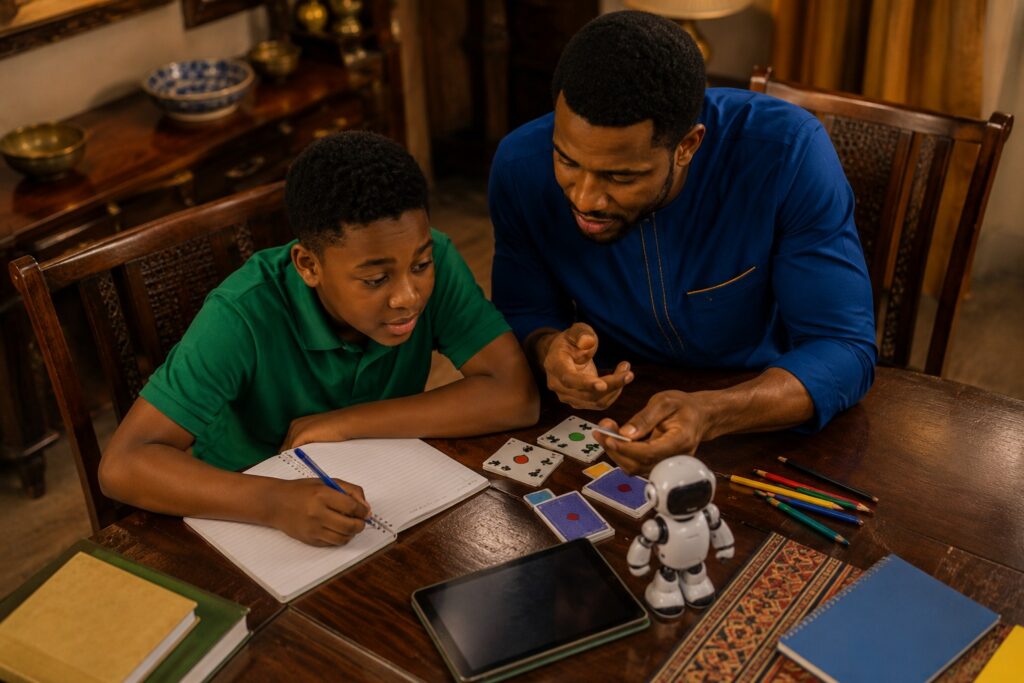
Imagine giving a child hundreds of pictures of cats and dogs.
After seeing enough examples, the child may begin noticing patterns:
- ears
- shapes
- fur
- faces
- body size
AI systems can also identify patterns in data, although the underlying technology is much more complicated than a child’s learning process.
That’s why demonstrations are powerful.
A good children’s video could show an AI system attempting to identify different objects and occasionally getting them wrong.
And that leads to a very important lesson:
AI can make mistakes.
Hector stopped writing.
“Wait.”
“What?”
“So if an AI says something confidently, it could still be wrong?”
Chrys looked at him.
“Now you’re learning.”
3. AI Prompting Videos for Kids
The next category made Hector sit upright.
“Prompting?”
“Yes.”
A prompt is an instruction or request given to an AI system.
Children can learn that how you ask a question can affect the kind of response you receive.
For example:
“Tell me about planets.”
is very different from:
“Explain three surprising facts about Saturn to a ten-year-old using simple language.”
The second prompt gives the AI more direction.
This makes prompting a fantastic activity for children because it turns learning into experimentation.
A video could give children a challenge:
Can you improve this prompt?
Hector immediately opened another document.
“I want to try.”
Uncle Emeka stood up.
“Give me a difficult prompt.”
Hector typed.
“Explain why Uncle Emeka thinks he is always right.”
The room became silent.
Uncle Emeka slowly sat down.
“That is not artificial intelligence.”
“What is it?”
“Artificial intelligence would be required to solve that.”
4. AI Creativity Videos
Some of the most engaging AI for kids videos can show children using AI as a creative tool.
A child might use AI to help brainstorm:
- a story
- a comic
- a game
- a character
- a science-fiction world
- a song idea
- a drawing concept
But there’s an important distinction.
AI should not replace the child’s imagination.
It should give the imagination somewhere to go.
That’s why Chrys gave Hector a challenge.
“Create a story about a boy who discovers an intelligent machine.”
Hector thought for a moment.
“Can AI write it?”
“It can help.”
“Then I’ll write the beginning.”
“Good.”
“And let AI help me with the middle.”
“Better.”
“And I’ll decide how it ends.”
Chrys smiled.
“Now you’re using the machine instead of letting the machine use you.”
This connects naturally to the ideas Hector explored in 7 Artificial Intelligence Lessons Every Parent Can Teach Their Child at Home This Weekend.
5. AI Fact-Checking Videos
This might be the most important category of all.
Children need to understand that AI-generated answers aren’t automatically true.
A fun video could give children five statements and ask:
“Did AI get this right?”
The child investigates.
Maybe one statement is correct.
Another is outdated.
Another is completely false.
The child then learns how to verify information using reliable sources.
That transforms AI education from passive watching into critical thinking.
Hector liked this one.
“So the video can actually trick me?”
“Not exactly,” Chrys said. “It can challenge you.”
“What’s the difference?”
“If the goal is to fool you, that’s entertainment. If the goal is to teach you how not to be fooled, that’s education.”
Hector underlined the sentence.
6. AI Safety and Privacy Videos
Then Mummy Chrys walked into the room.
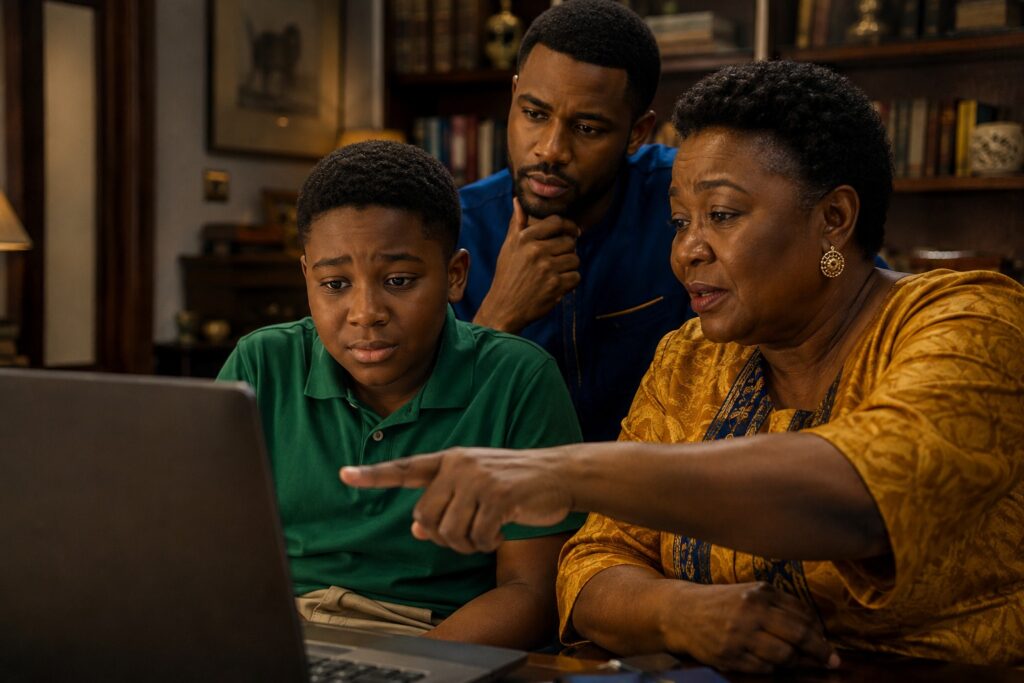
“You people are teaching him about machines,” she said, “but have you taught him what not to give them?”
Everyone became quiet.
She pointed at Hector’s laptop.
“Suppose a website asks for your full name, school, home address and photograph. Should you simply give everything because it says it is using AI?”
“No,” Hector answered.
“Good.”
AI education for children should include privacy, safety and responsible use.
Children may not always realize that information entered into digital systems can have consequences.
That makes privacy lessons particularly important.
A good video could use a simple scenario:
A mysterious AI app asks for five pieces of personal information. What should you do?
The child chooses.
Then the video explains the reasoning.
That is much more useful than simply telling children:
“Be careful online.”
They need to understand why.
UNICEF’s guidance on AI and children emphasizes issues including safety, privacy, fairness, transparency, inclusion and preparing children to participate responsibly in an AI-shaped world.
7. AI Challenge Videos
The final category was Hector’s favorite.
Challenges.
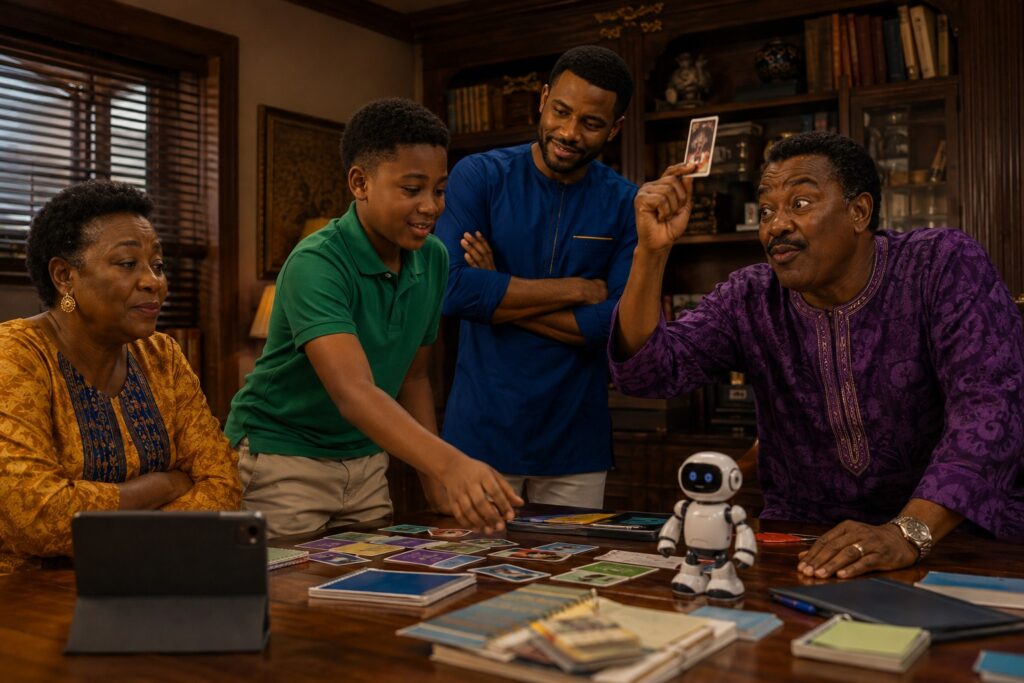
Instead of simply watching someone explain AI, children can participate.
For example:
Challenge 1: Beat the AI
Ask an AI system five questions.
Find the answer it gets wrong.
Challenge 2: Improve the Prompt
Give the child a weak prompt.
Let them make it better.
Challenge 3: Human or AI?
Show children several pieces of content and ask them to investigate whether they were generated or created by a person.
Challenge 4: Build an AI Idea
Ask:
“If you could create an AI tool for your school, what would it do?”
Challenge 5: Catch the Mistake
Give children an AI-generated explanation containing one factual error.
Can they find it?
Suddenly, watching an AI video becomes a game.
And Hector realized something.
“The best videos don’t just make me watch.”
Chrys nodded.
“They make you think.”
How Parents Can Use AI Videos for Kids
Parents don’t necessarily need to sit through every AI video their child watches.
But they should occasionally ask questions afterward.
Try:
- What did you learn?
- What surprised you?
- Did the AI make any mistakes?
- Would you trust everything it said? Why?
- What would you use AI for?
- What information should you never give an AI tool?
- What would you do differently?
These questions turn passive screen time into active learning.
And that is the real opportunity.
A child doesn’t need to become an AI engineer immediately.
A child needs to become comfortable enough with the technology to question it, experiment with it, understand its limitations and use it responsibly.
Are AI Videos Good for Children?
They can be.
But “AI video for kids” doesn’t automatically mean “educational.”
Some videos may focus almost entirely on spectacular robots, futuristic graphics or entertaining AI-generated characters.
That’s fine for entertainment.
But if you’re looking for educational AI for kids videos, look for content that teaches children:
- What AI actually is.
- How AI systems use data and patterns.
- Why AI sometimes makes mistakes.
- How to write useful prompts.
- How AI can support creativity.
- How to verify AI-generated information.
- How to protect personal information.
- How humans remain responsible for important decisions.
The best content doesn’t make AI seem magical.
It makes AI understandable.
The Question Hector Asked Before Dinner
The laptop was finally closed.
Hector looked at Chrys.
“So should children watch AI videos?”
“Yes.”
“Any AI video?”
“No.”
“Why?”
“Because watching something isn’t the same as learning from it.”
Hector thought about that.
Then he smiled.
“I think I know what our next video should be.”
“What?”
He turned the laptop around.
On the screen was a blank document.
Hector had typed one sentence:
“Can a machine be smarter than a child?”
Uncle Emeka immediately pulled up a chair.
“Now THAT is a video I will watch.”
Mummy Chrys shook her head.
“Just make sure the machine doesn’t answer for the child.”
And somewhere inside the House of Chrys, another question had begun.
Frequently Asked Questions About AI for Kids Videos
What are AI for kids videos?
AI for kids videos are educational or entertaining videos designed to introduce children to artificial intelligence through age-appropriate explanations, demonstrations, stories, experiments and activities.
What should children learn from AI videos?
Children can learn what AI is, how AI systems recognize patterns, how prompting works, why AI can make mistakes, how AI can support creativity, and how to use AI safely and responsibly.
Are AI videos safe for children?
Safety depends on the platform, creator and content. Parents should consider age appropriateness, privacy, advertising, external links and whether the video encourages responsible technology use.
Can AI videos replace teaching?
No. Videos can introduce concepts and demonstrate ideas, but children benefit from discussion, experimentation, questions and guidance from parents or teachers.
At what age should children learn about AI?
There isn’t one universal starting age. AI concepts can be introduced progressively using age-appropriate examples. Younger children can begin with simple ideas such as patterns, instructions and classification, while older children can explore prompting, data, ethics and responsible AI use.
Final Thought
The goal of children’s AI education shouldn’t be to make children impressed by machines.
It should make them capable of thinking about machines.
That’s a much bigger skill.
Because the children growing up with AI won’t merely be users of the technology.
Some of them will build it.
Some will regulate it.
Some will challenge it.
Some will discover what it can become.
And some, like Hector, will simply keep asking the uncomfortable questions that everyone else forgot to ask.