


Coding for Kids Online: The Day Hector Built His First Game
“Uncle Chrys, can I learn coding from here?”
Chrys looked up from his laptop.
“From where?”
Hector pointed at the computer.
“From home.”
“You mean online?”
“Yes.”
Hector had discovered something the previous afternoon.
He could learn things without physically going anywhere.
That idea fascinated him.
He could watch someone explain something from another country.
He could ask questions.
He could practice.
He could make mistakes.
And, apparently, he could even learn how to tell a computer what to do.
But there was one problem.
Hector had absolutely no idea where to begin.
“Is Coding Possible Without Going to a Coding School?”
Mummy Chrys wasn’t convinced.
“So the child will sit in front of a computer and somebody somewhere will teach him?”
“Yes,” Chrys said.
“Who is watching the child?”
“The instructor.”
“Who knows whether he is paying attention?”
Chrys paused.
“That depends.”
Mummy Chrys gave him the look.
Everyone in the House knew that look.
It meant you had better have a better answer.
Learning coding for kids online can be convenient because children can access lessons from home, often without having to travel to a physical classroom.
But convenience doesn’t automatically produce learning.
A child can have the best online coding course available and still learn very little if the experience consists entirely of watching videos without practicing.
That’s why the quality of the learning experience matters.
For children, good online coding education should ideally involve some combination of:
- explanation
- demonstration
- hands-on practice
- projects
- feedback
- experimentation
- problem-solving
- age-appropriate challenges
Hector was about to discover this for himself.
What Does Coding for Kids Online Actually Mean?
Coding for kids online simply means children learn programming through internet-based lessons, activities, courses, tutoring or coding platforms.
The format can vary considerably.
A child might learn through:
Self-paced lessons
The child works through lessons independently.
This can be useful for children who are comfortable learning at their own pace.
Live online classes
An instructor teaches children through a video-conferencing platform.
This can provide interaction and opportunities to ask questions.
Online coding platforms
Some platforms allow children to experiment directly inside a browser or application.
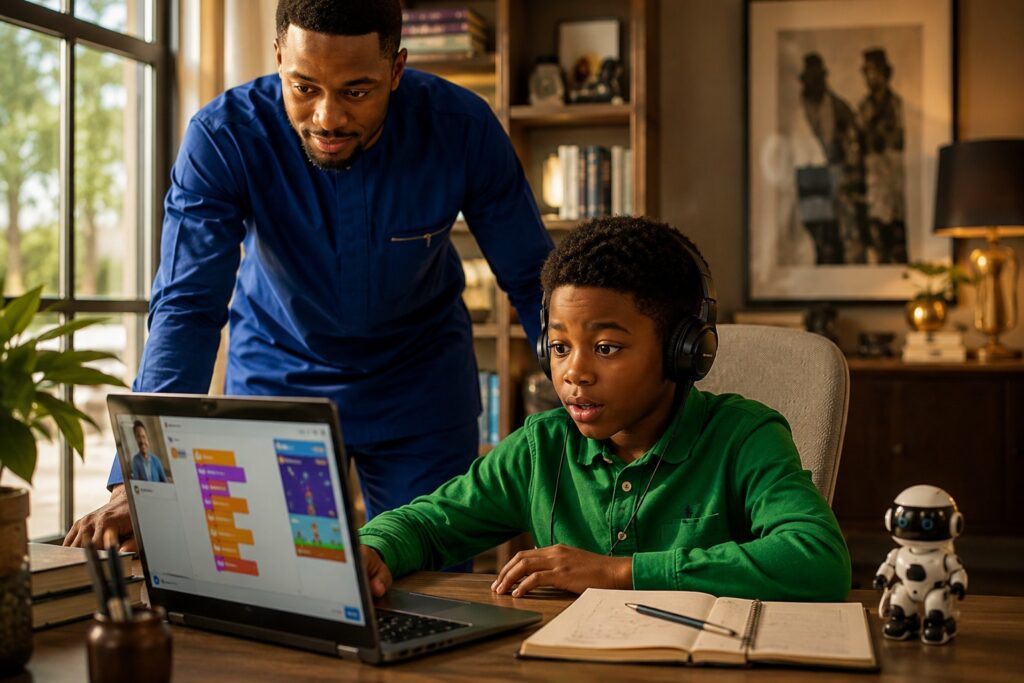
Instead of simply watching someone code, the child can actually create something. One example is Scratch, a visual programming platform designed to help young people create interactive stories, games and animations.
Online tutoring
A tutor works individually with a child or with a very small group.
This can provide more personalized instruction.
The best option depends on the child’s age, personality, learning style, available equipment and the level of support provided at home.
Why Learn Coding Online?
Hector’s first lesson lasted only thirty minutes.
Afterward, he ran into the living room.
“I know how to make something move!”
Uncle Emeka looked up.
“What?”
“A computer character.”
Uncle Emeka nodded seriously.
“I knew that already.”
Hector looked suspicious.
“How?”
“Because I am technologically advanced.”
Ada laughed.
“You still ask me how to send a voice note.”
“That is because your phone is confusing.”
Hector ignored them.
He had discovered something important.
He had made something happen.
That experience is one of the major attractions of learning coding.
Children aren’t merely consuming information.
They can create things.
Depending on their age and level, children learning online may eventually build:
- interactive stories
- animations
- simple games
- quizzes
- websites
- calculators
- digital art projects
- small applications
- simulations
- beginner robotics projects
The project doesn’t have to be commercially valuable.
It has to be real enough for the child to feel ownership of it.
Coding Is More Than Learning a Programming Language
“Which programming language is he learning?” Ada asked.
“That’s not the most important question yet,” Chrys replied.
Ada raised an eyebrow.
“Why?”
“Because Hector hasn’t even learned how to think through a programming problem.”
This is an important distinction for parents.
When people hear the word coding, they often immediately think about programming languages.
Python.
JavaScript.
Java.
C++.
HTML.
But children can begin learning foundational programming concepts without immediately being thrown into complicated syntax.
They can learn:
Sequence
What happens first, second and third?
Patterns
What repeats?
Logic
What should happen when something changes?
Conditions
If something happens, what should the program do?
Loops
How can we make something happen repeatedly?
Debugging
Why isn’t this working?
These concepts form part of the mental foundation behind programming.
And they can be taught through age-appropriate projects.
Hector Discovers the Problem With Online Learning
A week later, Hector had a problem.
He didn’t want to continue.
Chrys noticed.
“What happened?”
“It’s boring.”
“Why?”
“I watched the lesson.”
“And?”
“Then they told me to do something.”
“And?”
“I didn’t know how.”
Chrys pulled up a chair.
“What did you do?”
“Nothing.”
“Did you ask for help?”
“No.”
“Why?”
Hector shrugged.
Chrys understood.
This was the part nobody had warned him about.
Online learning requires initiative.
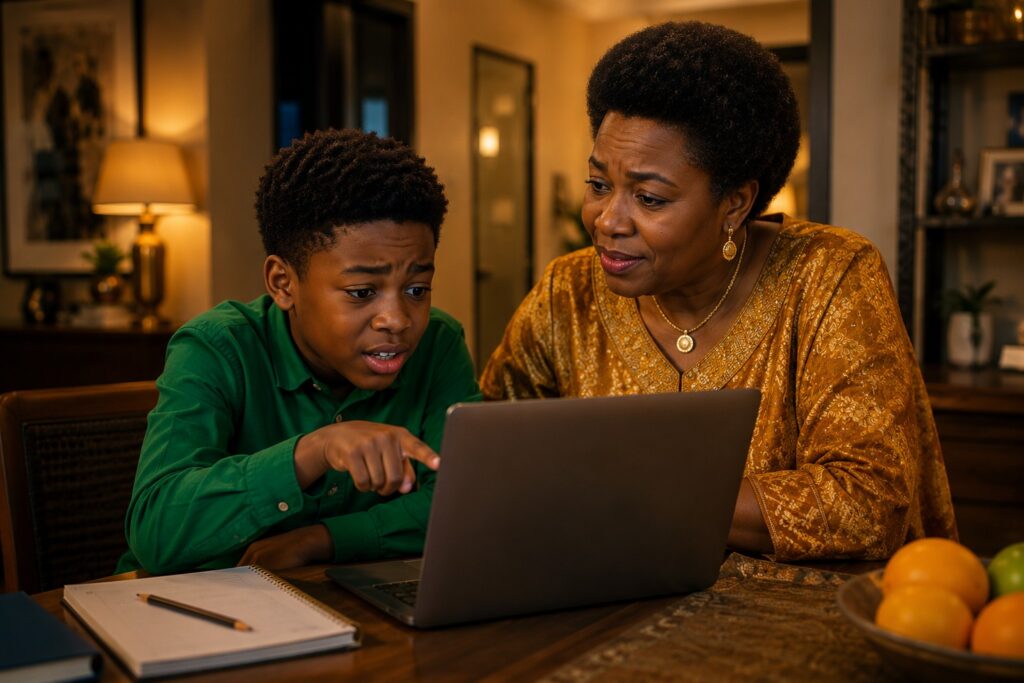
For an adult, getting stuck can trigger a Google search, a question to an instructor or an attempt to troubleshoot the problem.
For a child, getting stuck can simply mean:
“I don’t know what to do anymore.”
That’s why parental involvement can matter—even when the parent isn’t a programmer.
The parent doesn’t necessarily need to know how to fix the code.
Sometimes the parent simply needs to say:
“Let’s figure out what went wrong.”
That changes everything.
The Parent Doesn’t Have to Be a Programmer
Mummy Chrys had another question.
“But I don’t know coding.”
Chrys smiled.
“You don’t have to.”
“You’re sure?”
“Yes.”
“What if he asks me something I don’t know?”
“Tell him you don’t know.”
Mummy Chrys looked at him.
“That’s your advice?”
“Yes.”
She smiled.
“That might be the first sensible thing you’ve said today.”
Parents don’t need to pretend to be experts.
They can instead become learning partners.
Ask the child:
What are you building?
What is supposed to happen?
What happened instead?
What have you tried?
What do you think is causing the problem?
Those questions can encourage children to reason through problems instead of immediately waiting for someone else to provide the answer.
How Young Should a Child Start Coding?
There isn’t one magical age at which every child should begin coding.
Children develop differently.
Some may be fascinated by computers at an early age.
Others may become interested later.
For younger children, programming can often be introduced through activities that emphasize:
- sequencing
- puzzles
- patterns
- visual programming
- games
- storytelling
- simple animations
As children grow older, they can progressively encounter more sophisticated programming concepts and text-based programming languages.
The goal should be progression rather than pressure.
A seven-year-old doesn’t need to compete with a fifteen-year-old.
A twelve-year-old doesn’t need to learn at the same pace as another twelve-year-old.
The question should be:
“What is the next concept this particular child is ready to understand?”
What Should Parents Look for in an Online Coding Program?
This is where Mummy Chrys became very serious.
“If I’m paying for this, how do I know it’s good?”
That’s the right question.
Before choosing a coding program for a child, parents can examine several things.
1. Is it appropriate for the child’s age?
A course designed for teenagers may overwhelm a seven-year-old.
A course designed for very young children may bore an older child.
Age and ability should both matter.
2. Does the child actually build things?
This is crucial.
If the child spends weeks watching videos but rarely creates anything, something is wrong.
Look for project-based learning.
3. Can the child receive feedback?
Children will get stuck.
A good learning environment should provide some mechanism for assistance.
4. Is the instructor engaging?
Children aren’t miniature adults.
Teaching them requires energy, patience and communication.
5. Does the program encourage experimentation?
A child should be allowed to modify projects and discover what happens.
6. Is the technology accessible?
A program requiring expensive equipment may not be suitable for every household.
7. Does the child actually enjoy it?
This might sound obvious.
But it’s easy for parents to become so focused on future careers that they forget the child is currently trying to learn.
The Danger of Turning Coding Into Another School Subject
One afternoon, Hector was sitting at his desk.
He had his laptop open.
He had his notebook beside him.
But he wasn’t coding.
Chrys entered.
“What are you doing?”
“Nothing.”
“Why?”
“Because Mummy said I have to practice.”
Chrys smiled.
“Do you want to?”
“No.”
That answer mattered.
Coding shouldn’t become another subject where the child memorizes information simply because an adult ordered them to.
There should be room for play.
There should be room for curiosity.
There should be room for failure.
There should be room for strange ideas.
There should be room for:
“What happens if I change this?”
That question is the beginning of experimentation.
Coding for Kids Online and AI
Then Uncle Emeka entered the conversation.
“If AI can write code now, why are you people teaching children coding?”
Nobody answered immediately.
It was actually a reasonable question.
AI can now assist with programming tasks.
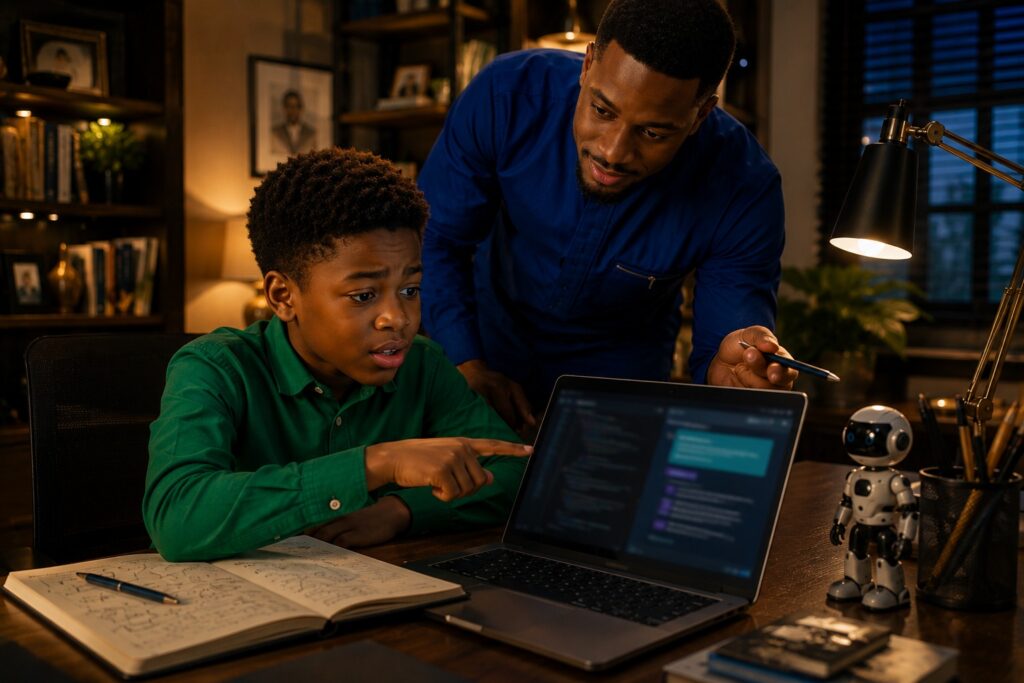
A child can ask an AI system to explain an error.
They can ask for ideas.
They can sometimes generate portions of code.
But this creates another educational challenge.
A child who cannot understand code can become completely dependent on the machine producing it.
The better goal is to teach children how to work with AI without surrendering their reasoning to it.
For example, a child might ask AI:
“Why isn’t my program working?”
Then read the explanation.
Test the suggestion.
Compare the result.
Ask another question.
Modify the code.
That is fundamentally different from simply saying:
“Build my entire project.”
The first develops understanding.
The second can produce dependency.
Online Coding Should Lead to Creation
A few weeks passed.
Then Hector called everyone into the living room.
“I made something.”
Uncle Emeka stood up immediately.
“Is it dangerous?”
“No.”
“Then show us.”
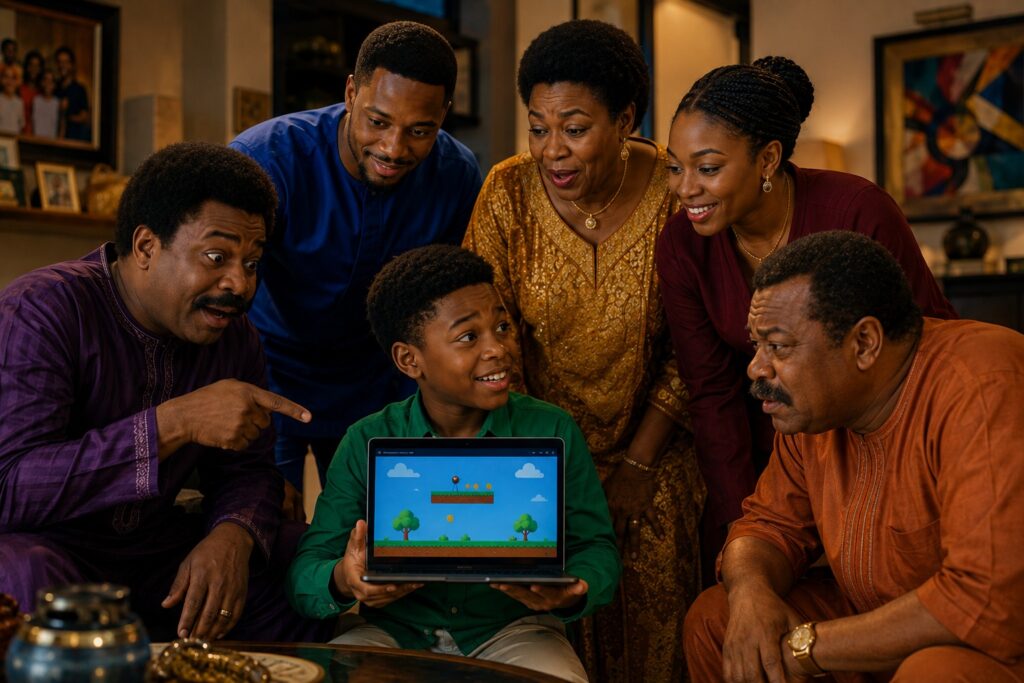
Hector opened the laptop.
On the screen was a simple game.
It wasn’t beautiful.
The graphics were basic.
The rules were simple.
But Hector had made it.
He had designed the idea.
He had experimented.
He had broken the program.
He had fixed it.
He had asked questions.
He had tried again.
Ada smiled.
“This is actually pretty good.”
Mr. Okoro looked at the screen.
“How much can we sell it for?”
Everyone laughed.
Hector looked at Chrys.
“Do you think it’s good?”
Chrys didn’t answer immediately.
Instead, he asked:
“Do you know how it works?”
Hector nodded.
“Can you change it?”
“Yes.”
“Can you explain what you built?”
“Yes.”
Chrys smiled.
“Then you’re learning.”
What Makes Online Coding Successful for Children?
The House of Chrys eventually arrived at a simple conclusion.
Successful coding for kids online isn’t really about finding a website and putting a child in front of it.
It’s about creating a learning environment.
A strong environment gives children:
A problem
Something worth solving.
A tool
A computer, coding platform or programming environment.
Guidance
Someone or something that can help when they get stuck.
Freedom
Permission to experiment.
Feedback
An opportunity to understand mistakes.
Projects
Something tangible to show for their effort.
Progress
A path from simple concepts to increasingly difficult challenges.
Without these elements, online coding can easily become another collection of lessons children consume and forget.
So, Is Coding for Kids Online Worth It?
Hector’s first game didn’t become a business.
It didn’t go viral.
Nobody offered him a job.
He didn’t suddenly become a software engineer.
But something changed.
He stopped looking at technology only as something other people made.
Now, when he opened an application, he wondered:
“How did they build this?”
When something didn’t work, he didn’t immediately assume it was impossible.
He wondered:
“What went wrong?”
And when he had an idea, he didn’t automatically assume someone else needed to build it.
He began asking:
“Could I build this?”
That’s the real opportunity behind coding for kids online.
Not simply teaching children programming syntax.
Not producing miniature software engineers.
Not making children spend every evening staring at a screen.
But introducing them to a powerful idea:
Technology can be understood.
And once something can be understood, it can eventually be changed.
And once it can be changed, it can be created.
The House of Chrys Rule
Mummy Chrys had the final word.
She looked at Hector’s game.
Then she looked at the laptop.
Then she looked at Chrys.
“Make sure he remembers something.”
“What?”
She pointed toward Hector.
“Technology is supposed to serve him.”
Hector looked up.
“What does that mean?”
Mummy Chrys smiled.
“It means you should use the computer.”
She paused.
“Don’t let the computer use you.”
Uncle Emeka nodded.
“For once, I completely agree.”
Everyone stared at him.
He smiled.
“What?”
Ada laughed.
“You don’t even know what she meant.”
Uncle Emeka stood up proudly.
“I know enough.”
And the House erupted in laughter.
Final Takeaway
Coding for kids online can give children a practical way to explore programming, problem-solving and digital creation from home.
But the most valuable outcome isn’t necessarily the language they learn.
It’s the mindset they develop.
A child who learns to code can begin to understand that:
Problems can be broken down.
Mistakes can be investigated.
Ideas can become projects.
Technology can be questioned.
And something that doesn’t exist today can be built tomorrow.
Hector closed his laptop.
His first game was still full of bugs.
He smiled.
He already knew what he was going to do tomorrow.
Fix them.



[…] That story continues in [Coding for Kids Online]. […]
[…] question leads directly into [Coding for Kids Online]—where Hector begins moving from simply using technology toward understanding how things are […]
[…] See Hector’s coding journey here [Coding for Kids Online]. […]